Mac Quick Start
Knoself for Mac keeps planning, timing, time logs, and review on your desktop. It uses the same App Store product page as the iPhone and iPad app, with entry points designed for desktop work.
Download and Start
Section titled “Download and Start”- Download Knoself from the Mac App Store.
- Open it and start without creating an account.
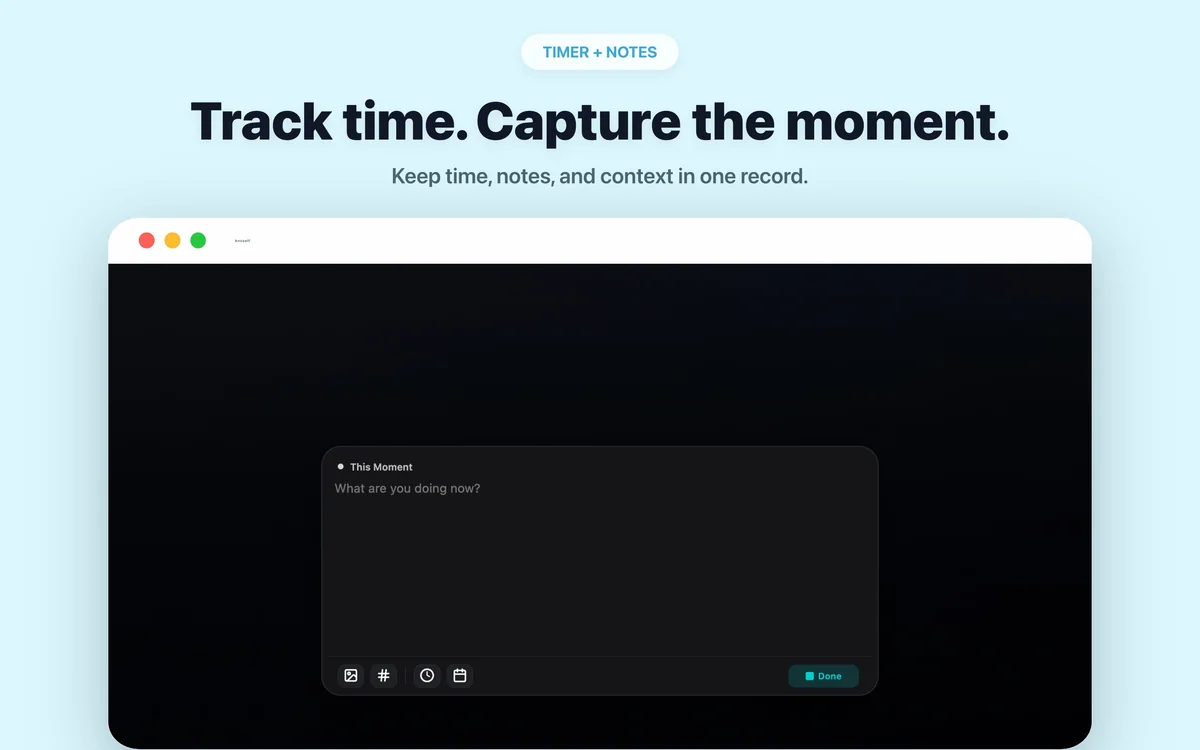
- Start a timer, then add text, tags, photos, or adjust its start time when needed.
- Stop and save to place the finished record on your timeline.
Use the Menu Bar Timer
Section titled “Use the Menu Bar Timer”While timing, the macOS menu bar shows elapsed time. Click it to return to the current record without searching through windows. It only reflects timers you deliberately start; Knoself does not monitor other apps or websites.
Start From a Task
Section titled “Start From a Task”Create tasks with dates, times, repeats, alerts, photos, and tags, then start timing from the task itself. The weekly agenda and board are useful for arranging desktop work.
Mac can also manually import incomplete Apple Reminders. This is a one-time import: Knoself manages the imported item independently and does not sync changes back.
Calendar, Health, and Widget Differences
Section titled “Calendar, Health, and Widget Differences”| Feature | Mac | iPhone / iPad |
|---|---|---|
| Menu bar timer | Supported | Not applicable |
| Home, Lock Screen, and Today widgets | Not applicable | Supported |
| Browse system calendar events and start timing | Not supported | Supported |
| Write a finished record to system calendar | Supported | Supported |
| Import Apple Health directly | Not supported | Supported on iPhone |
Sync Across Devices
Section titled “Sync Across Devices”Sign in to the same Apple Account on every device, then enable iCloud sync in Knoself on each one. During the first sync, avoid editing the same record on several devices until the initial transfer completes.
Review on a Larger Screen
Section titled “Review on a Larger Screen”The Mac app includes Daily Highlights, time breakdowns, 24-hour distribution, yearly heatmaps, tags, and task statistics. A weekly or monthly desktop review is a good time to open the time cards behind a chart and add a fresh reflection.